
Apple Pay is an easy, secure and private way to pay. 
Now available on your Apple devices.



With Apple Pay, you can pay quickly and easily with your Taxi1 Driver Card directly from your iPhone or Apple Watch.
Go ahead, leave your wallet at home. With Apple Pay, you can pay with your Taxi1 Driver Card directly from your iPhone or Apple Watch.
Apple Pay uses the security features built into your Apple device, including Face ID and Touch ID — which are designed so only you can authorise payments.
With iPhone, double-click the side button, authenticate with Face ID, Touch ID or your passcode, then hold your device near the reader to pay.
With Apple Watch, just double-click the side button, then hold your device near the reader to finish your purchase.
When purchasing online or in-app, tap the Apple Pay button, confirm your billing and shipping information, then authenticate with Face ID, Touch ID or your passcode.
You can now pay with your Taxi1 Driver Card anywhere you see the Apple Pay or tap to pay symbols.

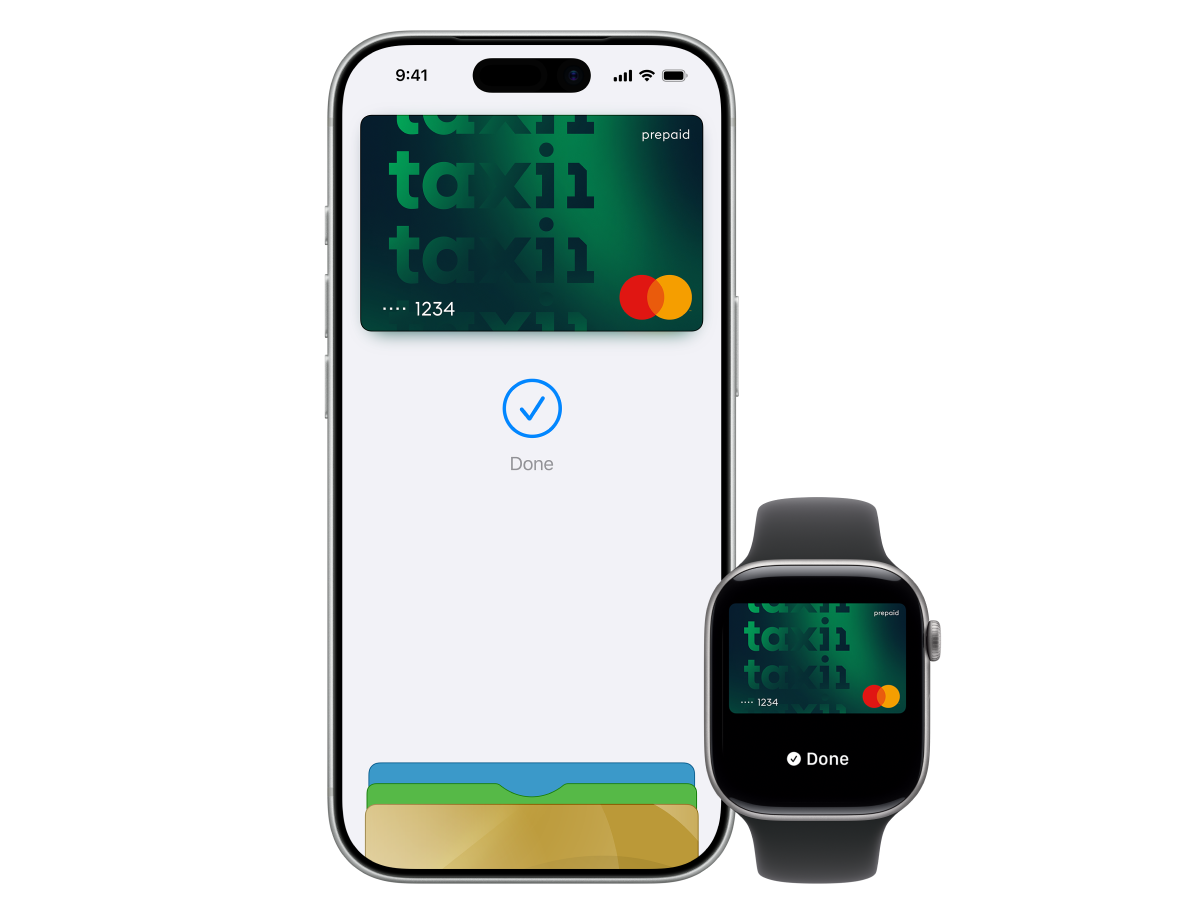
Open the Wallet app on your iPhone, tap the + button, and follow the prompts to add your Taxi1 Driver Card. If verification is required, follow the on-screen instructions.
No. There are no additional fees for using Apple Pay with your Taxi1 Driver Card.
Use Find My to suspend or remove your cards from Apple Wallet. If your Taxi1 Driver Card is also lost or you need to block it, please contact our Customer Support. Your card details are not stored on your device.
Check that your Taxi1 Driver Card has sufficient available balance and that your card is active. If the issue persists, please contact our Customer Support for assistance.
You can view your recent Apple Pay transactions in the Wallet app. For your Taxi1 Driver Card balance or transaction history, please contact our Customer Support.
This material is general information only and does not consider your objectives, financial situation or needs. You should consider the Product Disclosure Statement (PDS) and the Target Market Determination (TMD) relating to this product before making any decision. The Taxi1 card is a prepaid, reloadable Mastercard issued by EML Payment Solutions Limited ABN 30 131 436 532 AFSL 404131 (EML). Taxi1 Pty Ltd ABN 65 641 737 591 (Authorised Representative Number 001320708) is involved in the promotion and distribution of the Card and is a Corporate Authorised Representative of EML. Please consider the Financial Services Guide. Mastercard and the circles design are registered trademarks of Mastercard International Incorporated. Apple Pay is a trademark of Apple Inc., registered in the U.S. and other countries.